New Portable Wireless Bluetooth Keyboard Without Touchpad Mini Slim Mute Keyboard For IOS Android Windows Universal Office Use
SPECIFICATIONS
Application: Laptop,Tablet
Battery Included: Yes
Brand Name: qukam
Certification: CE,FCC,RoHS
Choice: yes
High-concerned chemical: None
Interface Type: USB
Keyboard Standard: Tablet Keyboard
Language: Russian,Korean,Japanese,French,Hebrew,English
Operation Style: Capacitive
Origin: Mainland China
Style: Standard
Type: Bluetooth Wireless
QUKAM
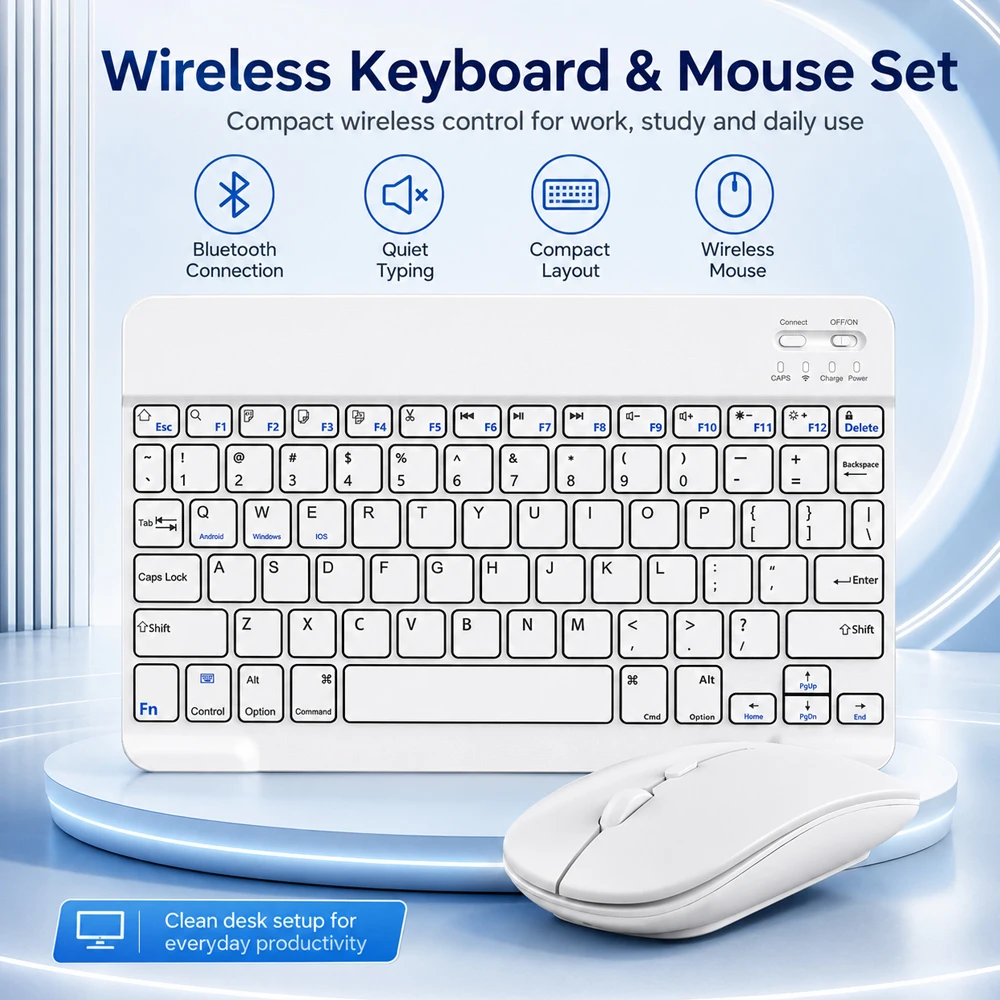
Mini Wireless Keyboard Bluetooth Keyboard For ipad Phone Tablet Portable Bluetooth Keyboard and Mouse For Samsung Xiaomi Android
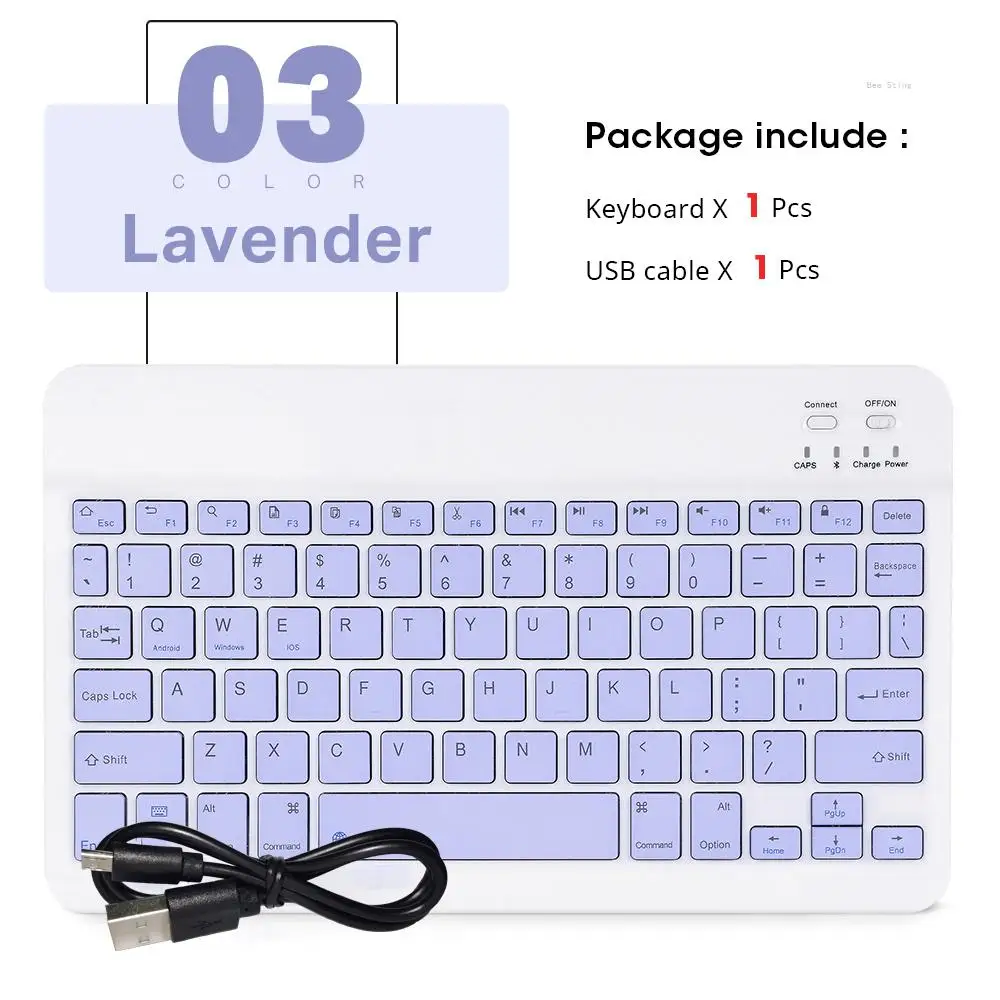
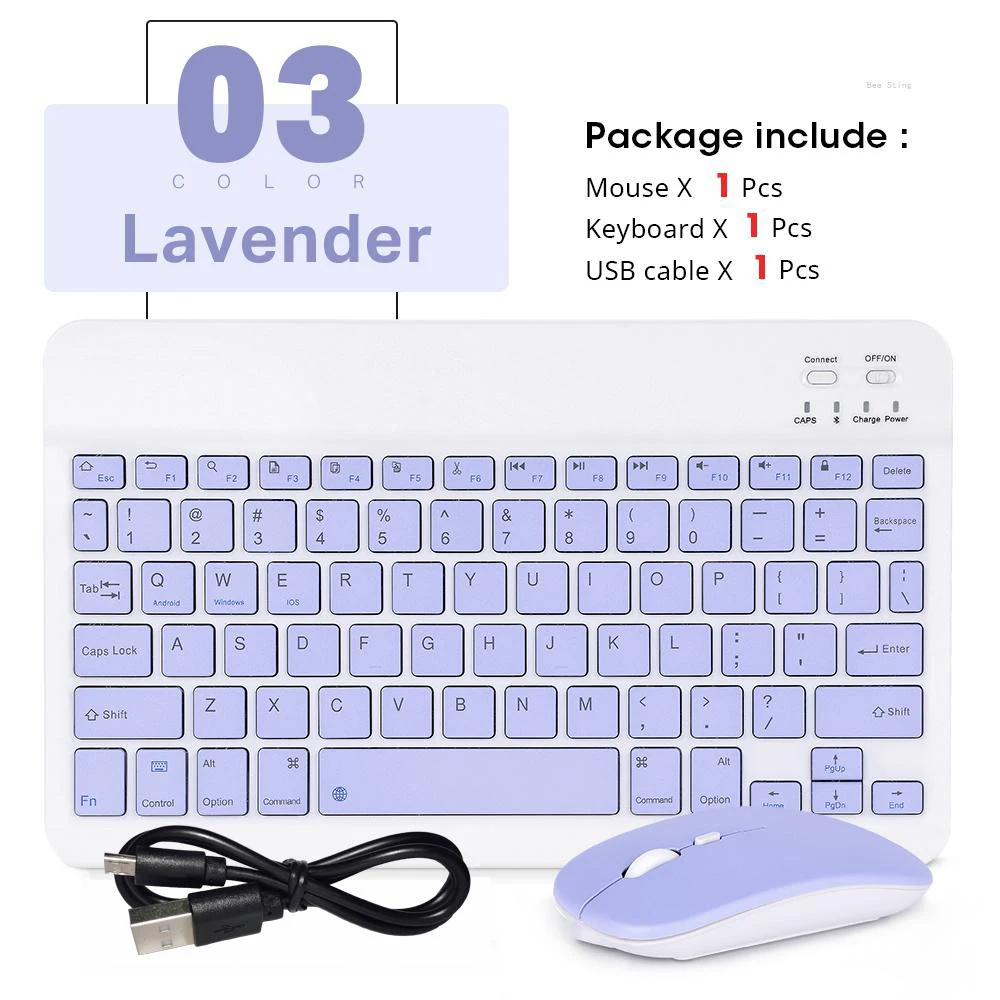
Please note: There are two styles available for this product. One is with a mouse, and the other is without a mouse. Before placing your order, please carefully check the SKU name and SKU image.
Product features:
1.BROAD COMPAYIBILITY :
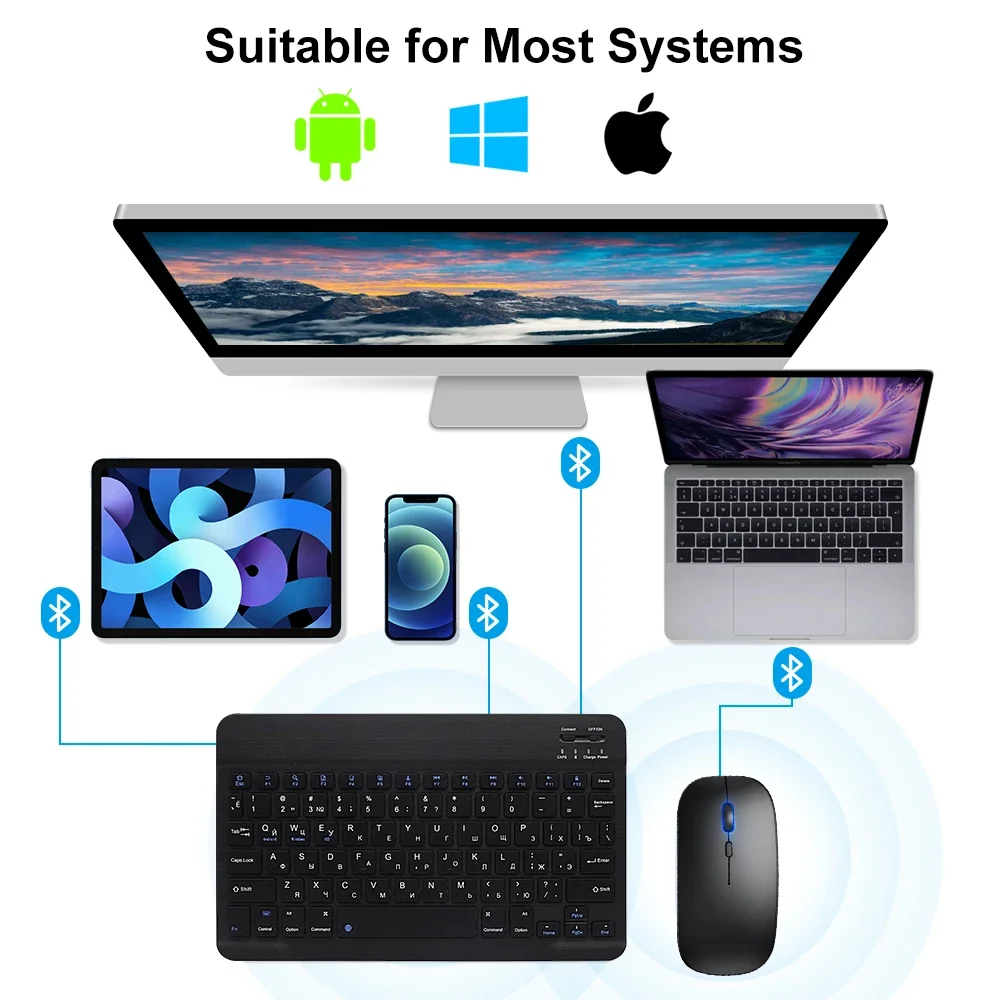
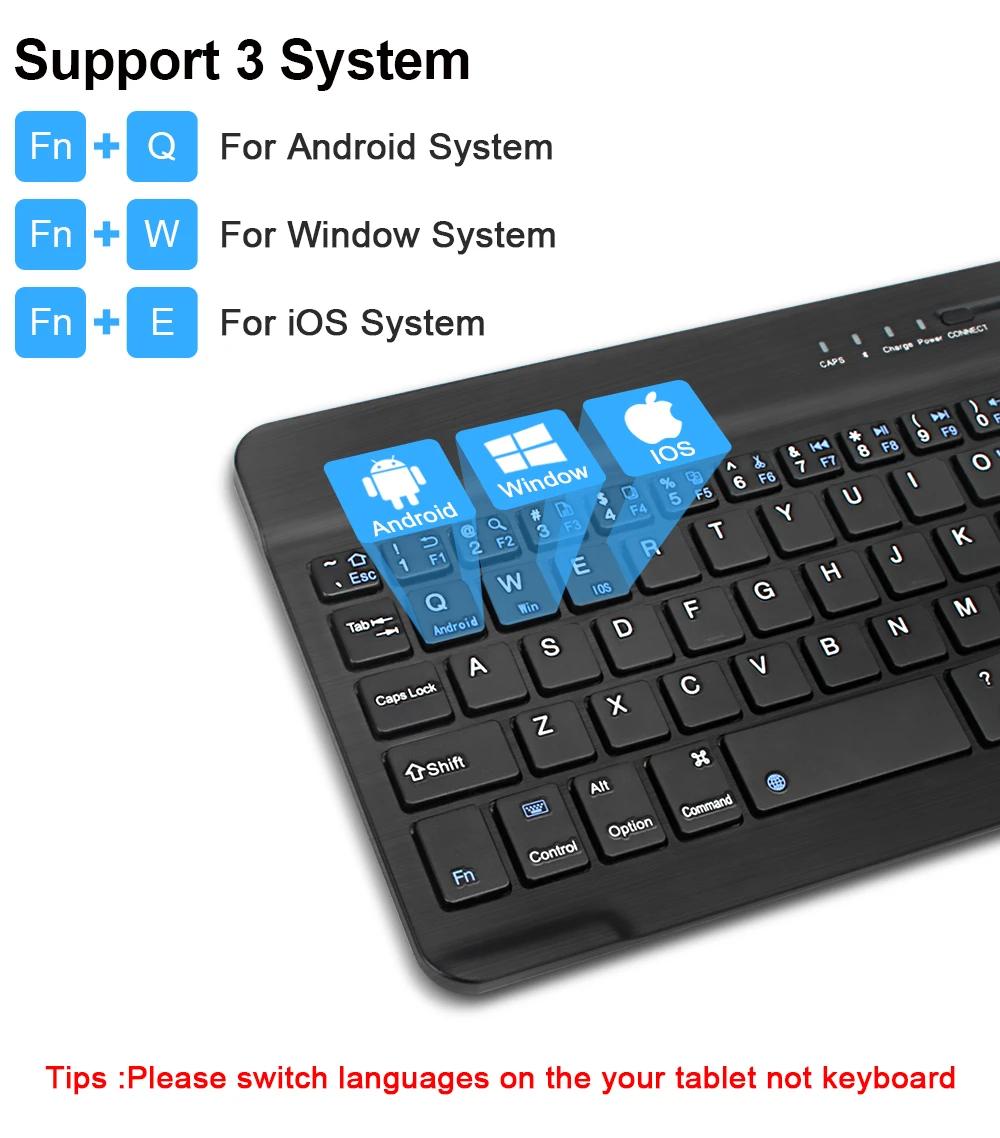
Use with all four major operating systems supporting Bluetooth (iOS, Android, Mac OS and Windows) ,Compatible with iPads, iPhones and Bluetooth-enabled Tablets, Laptops, and Mobile Phones, such as iPad air , iPad mini, iPad Pro, iPhone Xs Max etc.(Devices without Bluetooth need to buy a Bluetooth receiver by themselves)
2.ULTRA-SLIM,LIGHTWEIGHT & PORTABLE:
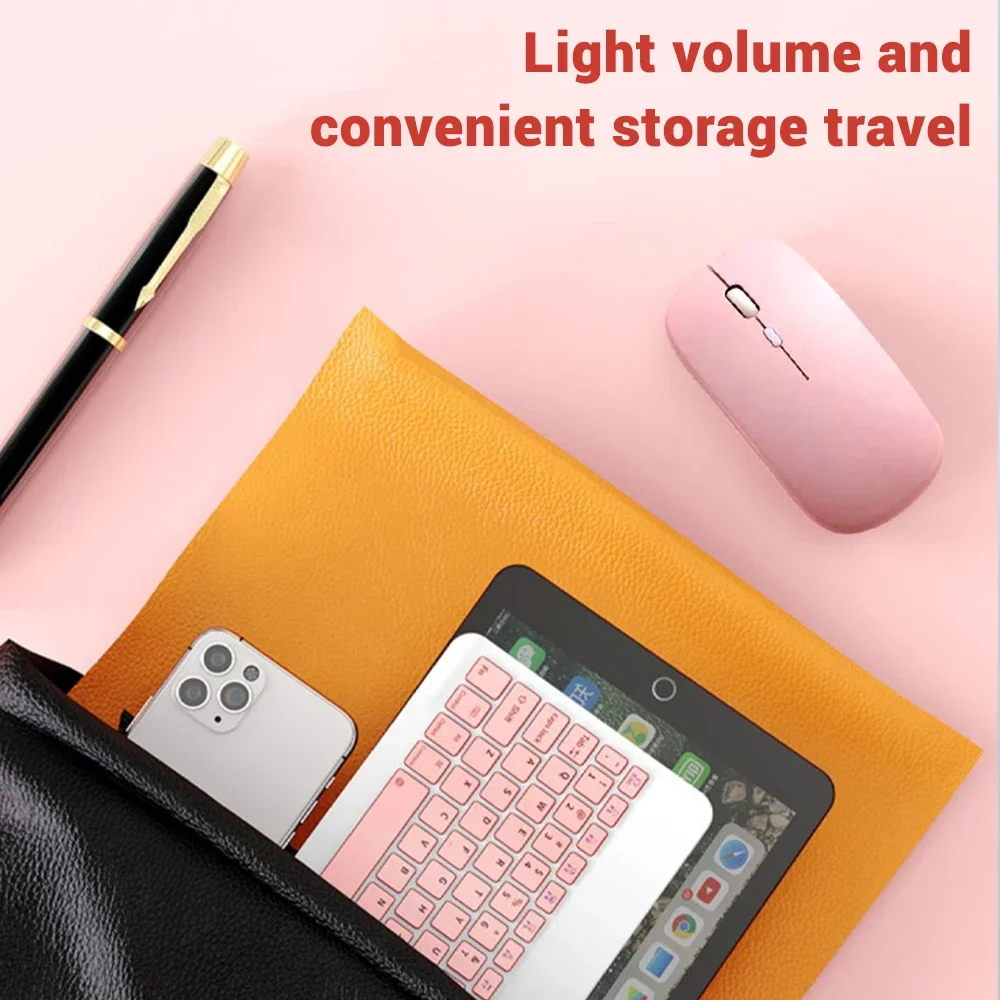
This lightweight Bluetooth keyboard is designed for anyone who needs a portable capable keyboard for work or play and especially suitable for business travel.
3.RECHARGEABLE AND AUTO SLEEP MODE:
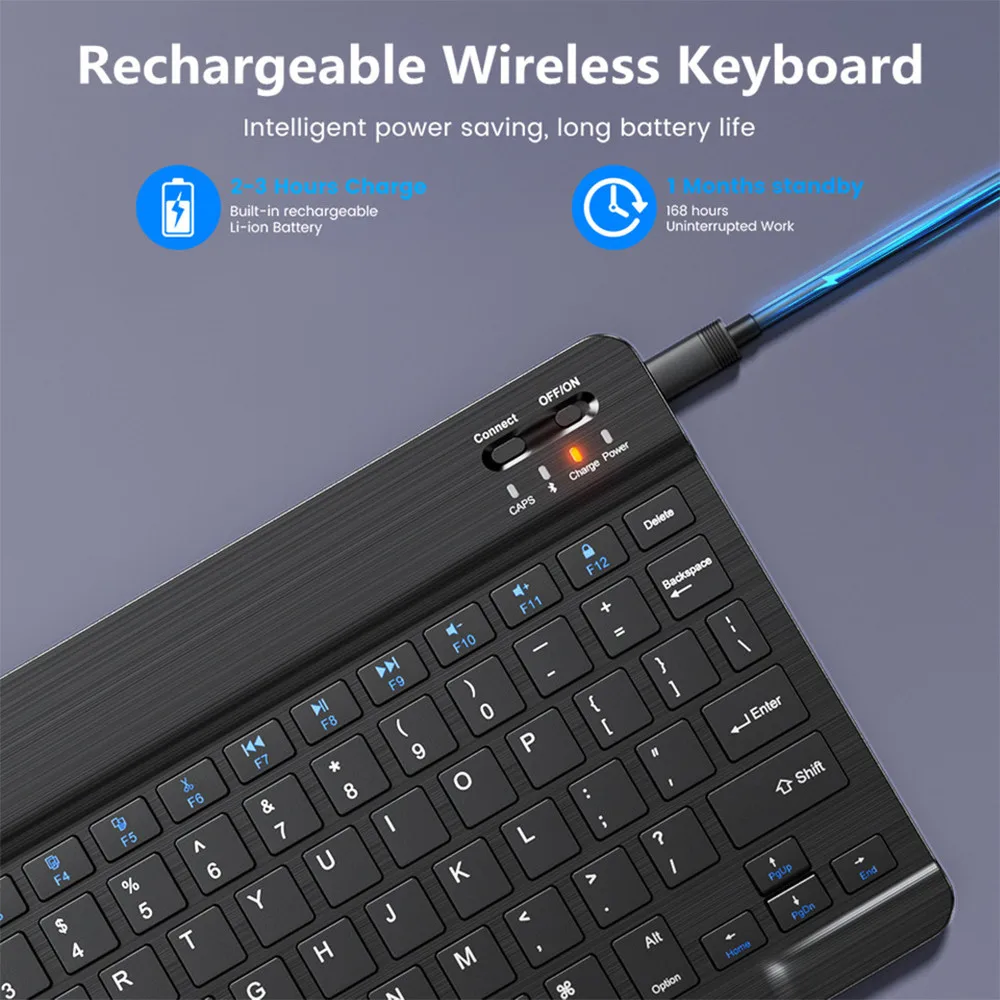
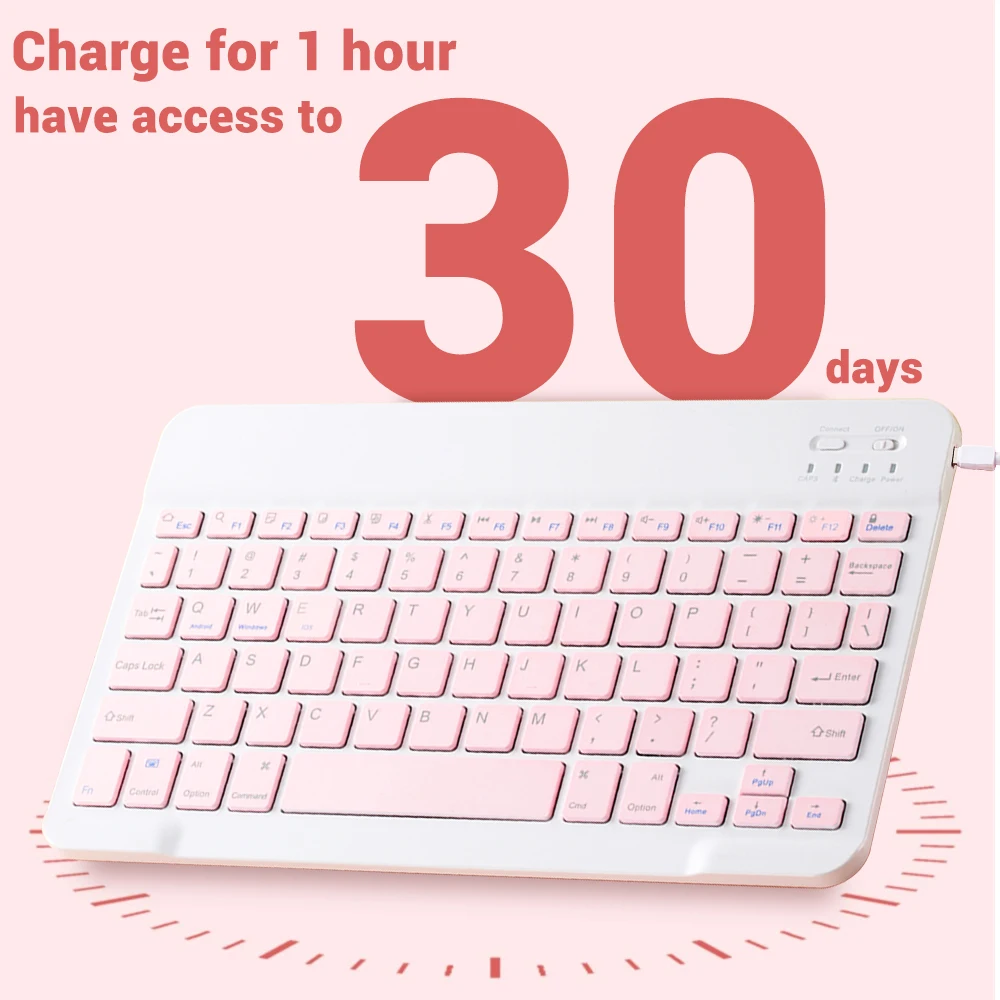
The universal wireless bluetooth keyboard uses built-in lithium battery, can be easily recharged through USB cable, no need to change the battery. The Built-in Rechargeable battery is incredibly long-lasting, standby time is about 6 months between charges. The bluetooth wireless keyboard can automatically enter into sleep mode in order to save energy.
4.STABLE CONNECTION:
Advanced Bluetooth technology provides a cable-free connection with an operating range of 10 meters. But for Desktop PC Laptop without bluetooth function, you need to insert a third-party bluetooth adapter (not included) to install bluetooth driver before use.
5.COMFORTABLE and QUIET TYPING:
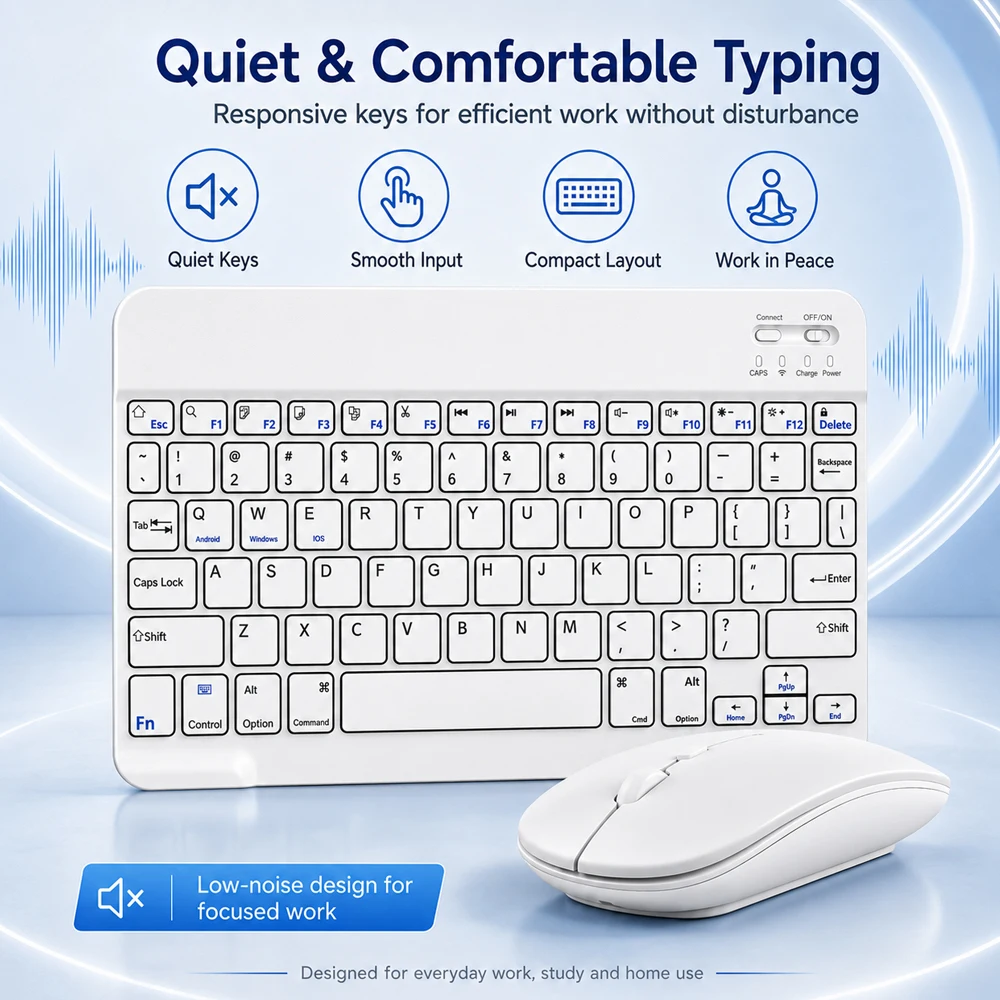
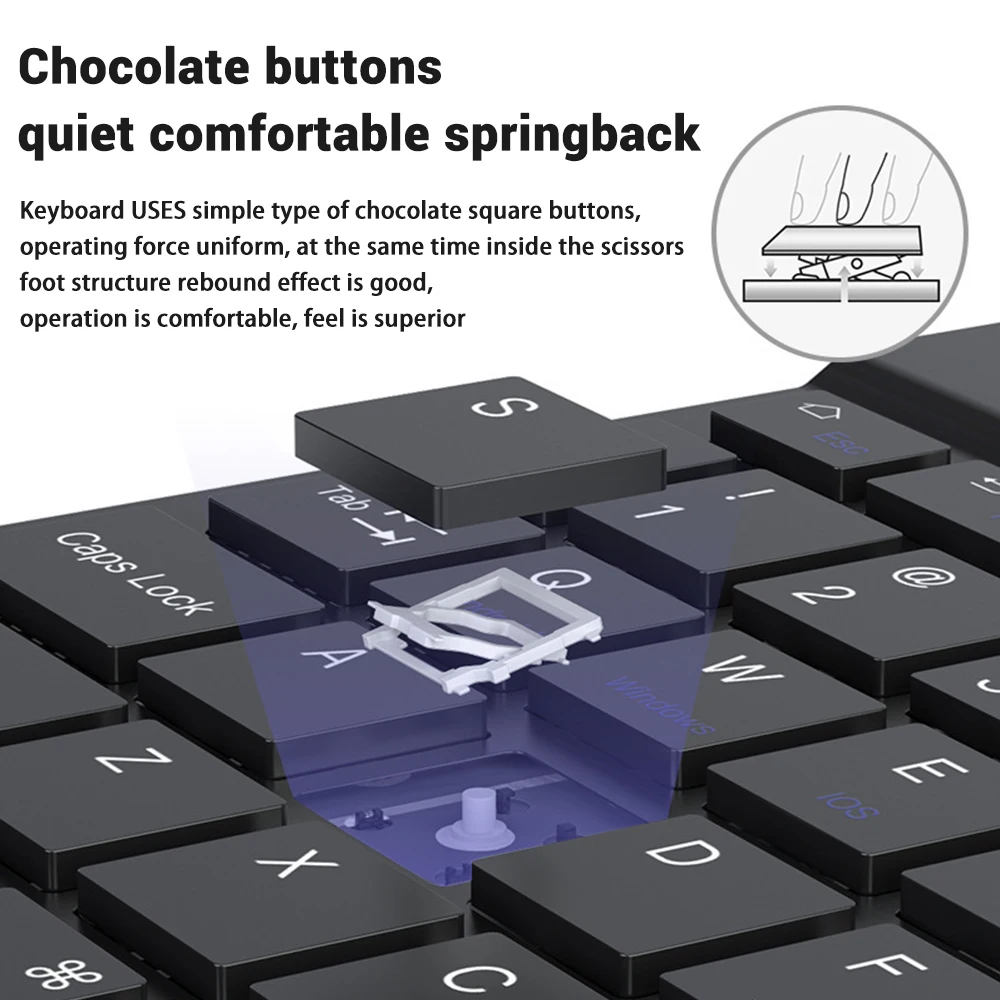
The whisper-quiet, low-profile keys bring a whole new level of comfort to your fingertips. Besides, keep all your most-used functions and media controls closer than ever Windows-dedicated hot keys.
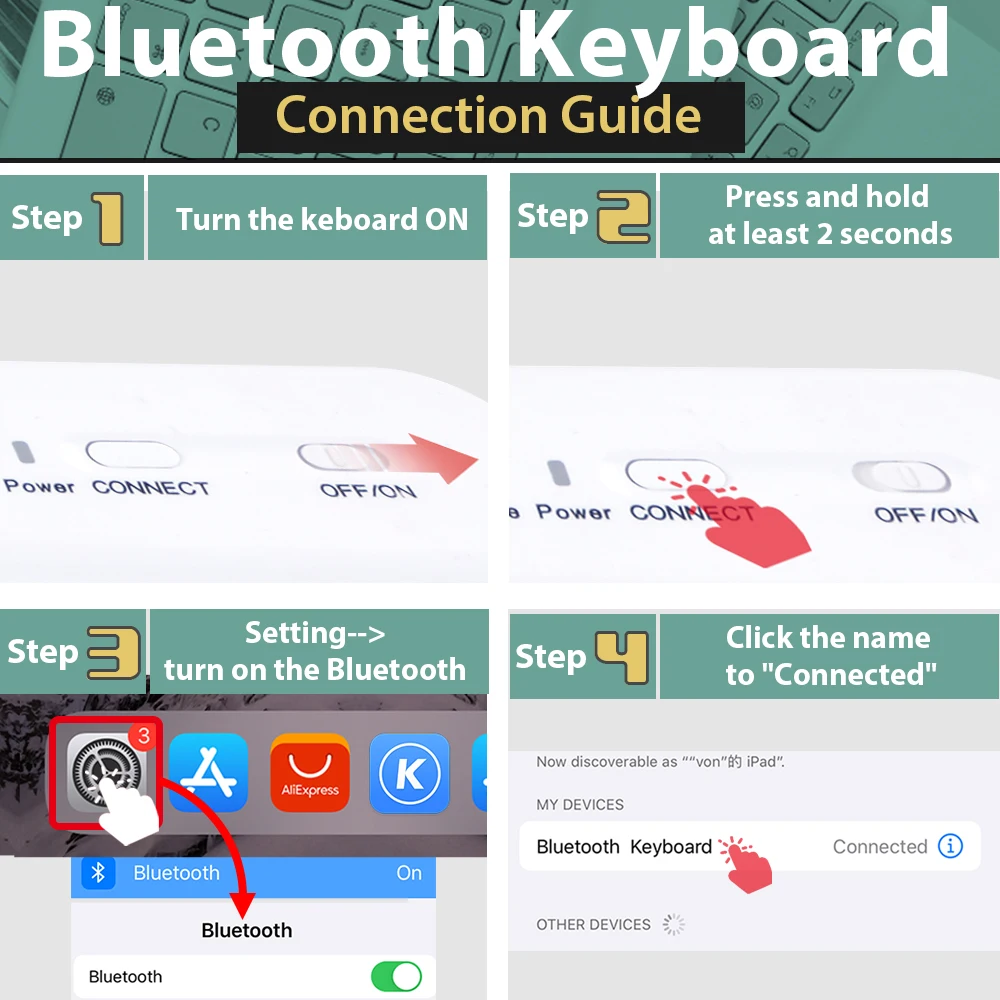
Bluetooth Keyboard Connection Guide
How to connect?
Bluetooth keyboard connection method:
7''/10'' keyboard connection :
1.Turn on the "on" button in the keyboard
2.Press and hold the "connection" key on the keyboard for 2 seconds
3. Turn on the Bluetooth device you need to connect to
4.Find "Bluetooth keyboard" in "my device" and click "connected"
Mouse connection modes:
Bluetooth connection mode: open the 'on' button in the mouse, then open the Bluetooth device to be connected, find 'BT mouse' in 'my device', and then click 'connected'.
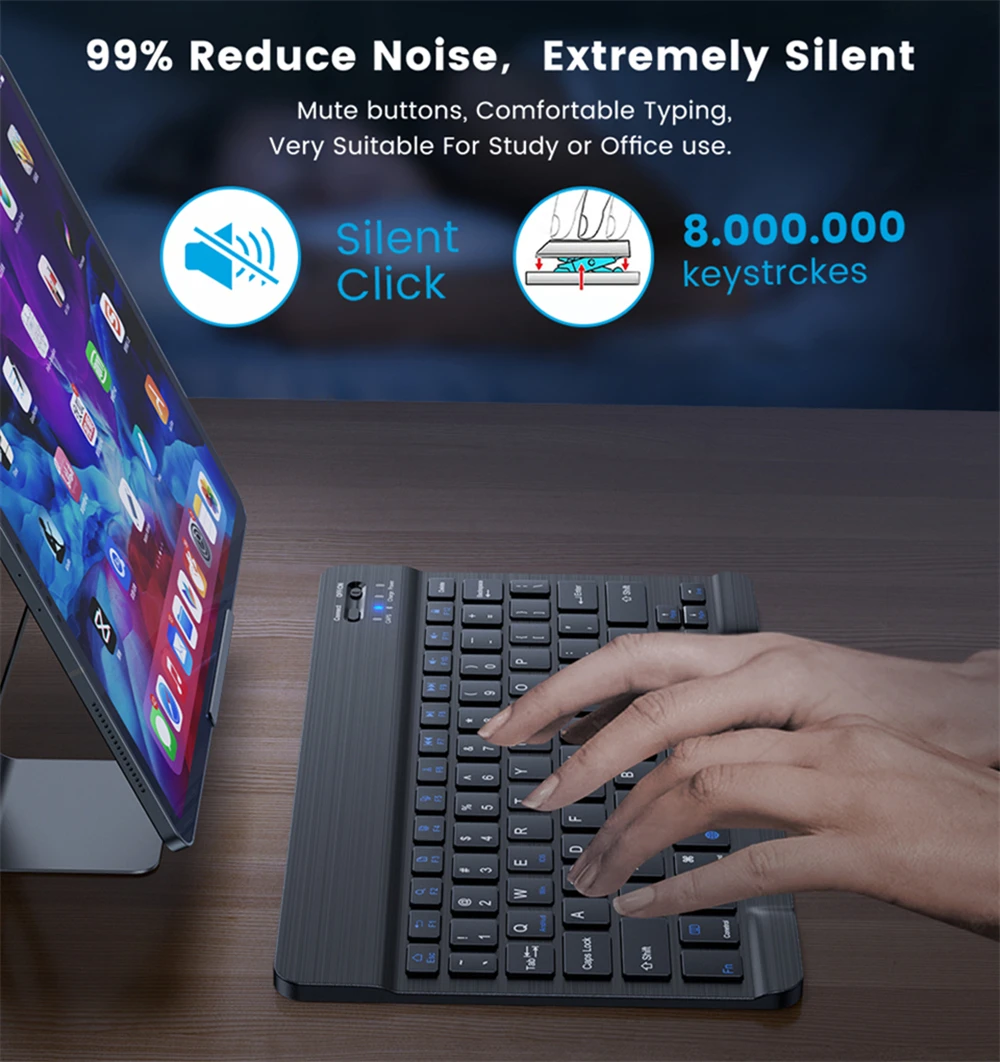
Mute keyboard design
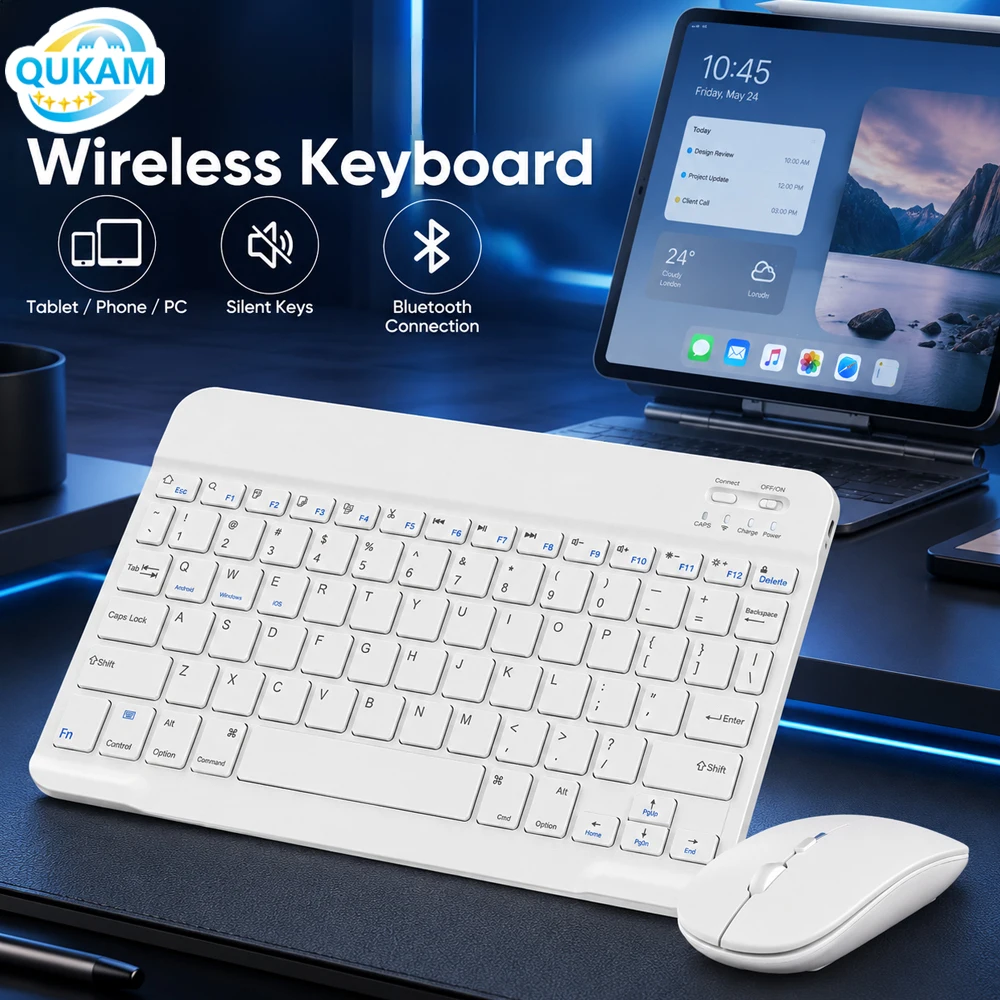
99% noise reduction, extremely mute mute button, comfortable typing, perfect for study or office use.
Do not interfere with others rest The chocolate button is quiet and comfortable to bounce back
Stable Bluetooth Connection:
The keyboard and mouse adopt advanced Bluetooth chip technology to provide stable and powerful cordless connection, it’s easy to connect and easy to use. The working range up to 10m. This keyboard features volume control, previous, next, and other media hot keys.
The mouse supports Bluetooth and 2.4GHz USB connection, the keyboard only supports Bluetooth connection.
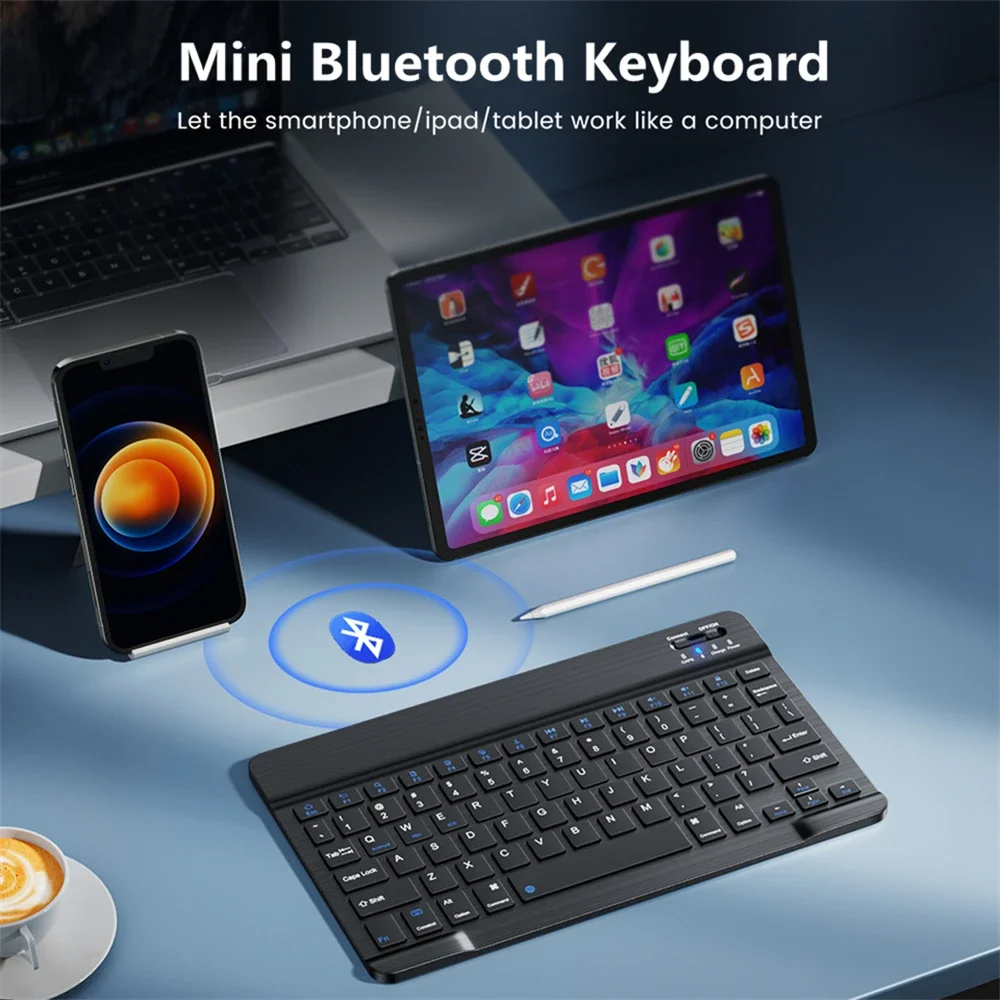
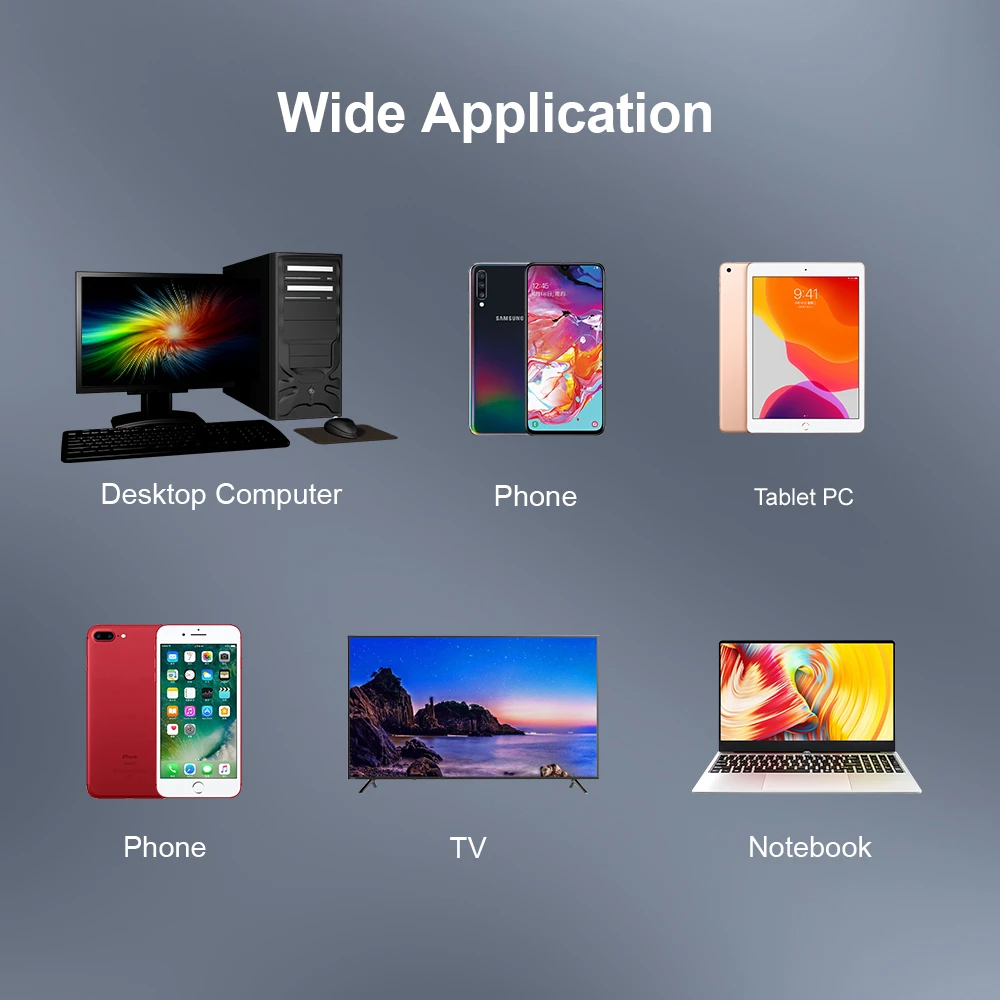
This keyboard can handle almost any device that can connect to Bluetooth
Fully compatible with the major brands in the market, mobile phone, desktop, laptop, all-in-one, smart TV, Apple, Samsung OPPO. vivo, Huawei, Xiaomi Etc